
Sticky notes on web pages
Keep a summary beside an article, questions beside a task, or details beside a product. Attach each note to the page it belongs to.
YOUR BROWSER, YOUR NOTEBOOK
Floating Notes is an online notepad and a sticky notes Chrome extension in one, for keeping thoughts beside your work. Attach a note to one page, keep a checklist across a website, or open a floating window above other apps while Chrome stays open.
Core notes are free · No account needed · Auto-save
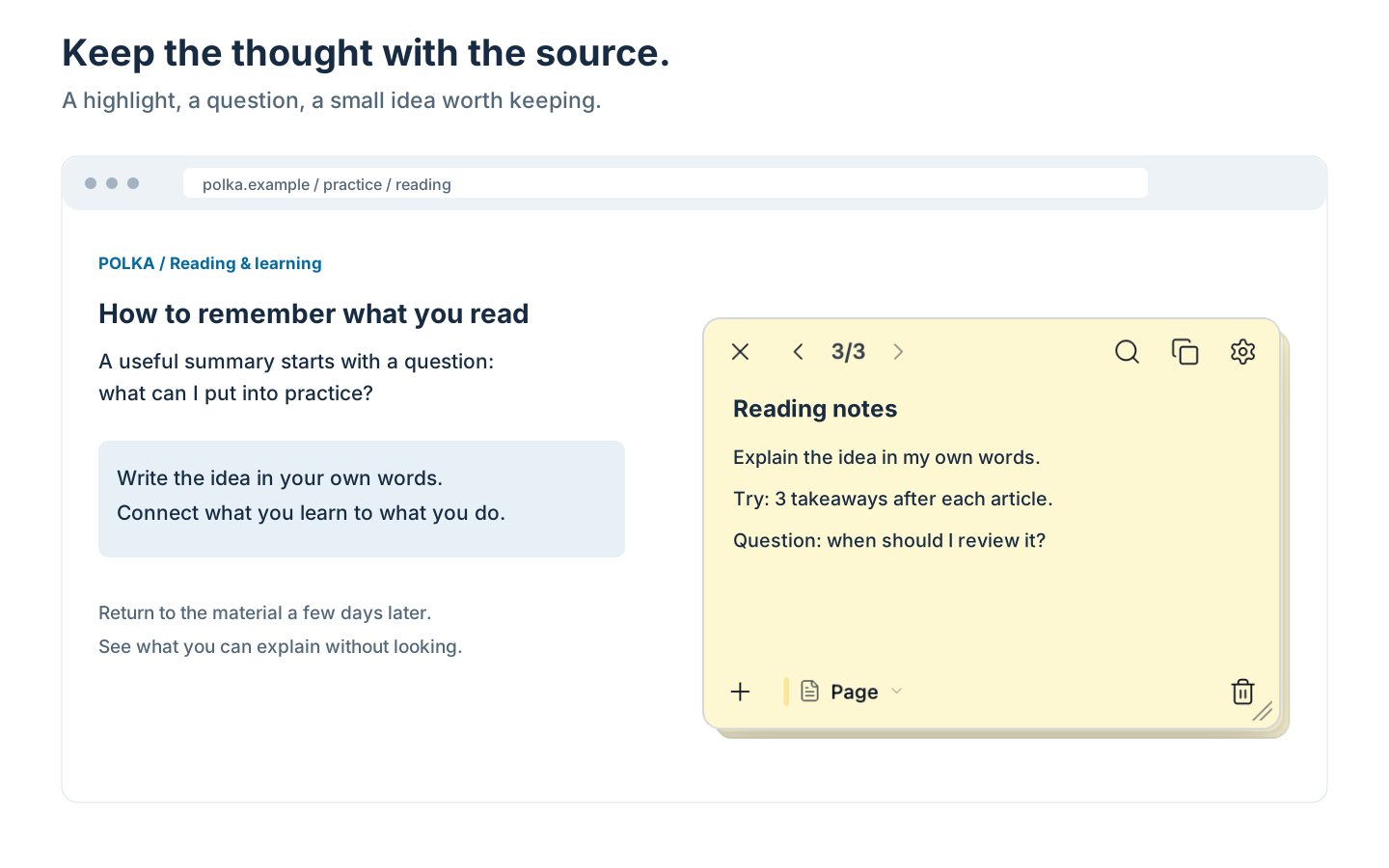
Attach a note to an article, a task or a product page. Come back to the source and pick up where you left off.
Real note screenshots with sample content. Click the image to view it larger.
FROM A QUICK THOUGHT TO A WORKING CHECKLIST
Keep a summary beside an article, questions beside a task, or details beside a product. Attach each note to the page it belongs to.
Keep shared reminders close as you browse a website. Useful for work tools, research and comparing purchases.
Open an always-on-top floating window for an agenda or draft. Keep it visible while switching tabs and apps, with Chrome running in the background.
Tick off tasks, make the important part bold and add links or lists. Keep several notes together in a stack.
Find words from a note, a domain or a page address. Open the result and keep writing in the notes view.
Drag, resize or minimise a note to suit your screen. Your changes save automatically in the browser.
Select text on a page and send it to a note. The quote arrives with a link back, signed with the page title, so a week later you still know where it came from.
START SIMPLE
Keep quick notes and checklists without signing up. As an offline notepad it saves everything in your browser, and you can read or edit what you saved with no internet connection.
How quick capture works →What works without a connection →Install Floating Notes from the Chrome Web Store, open a regular web page and click the extension icon. Start typing – your text saves automatically. Choose Page to keep the note at one address or Site to use it across that website.
Yes. Free includes page notes, site notes, floating windows, checklists, stacks and search, with no account needed for local notes. Pro adds Google Drive sync, custom URL rules and the other features listed in the plan comparison.
Free supports up to 5,000 characters per note. Pro supports up to 100,000 – 20 times more. Long notes work locally; connecting Google Drive is optional. If Pro ends, your long notes remain readable and exportable. You can shorten or edit them without increasing their length.
Yes, Floating Notes works inside desktop Chrome on Mac and Windows. Install the Chrome extension on your computer and open a note from the browser.
Yes. Open the note in floating-window mode to keep it above other apps. Chrome must stay open, including when you switch to another app.
Floating Notes is an extension you install in Chrome. It adds notes to websites and saves them locally in your browser. You can read and edit saved notes offline; loading a website may still require an internet connection. Optional Pro sync uses Google Drive when you are connected.
Use Page for one address or Site for the whole website. Pro custom rules can match a set of page addresses. Notes work where Chrome allows extensions to run; internal browser pages and the Chrome Web Store have restrictions.
Yes. Search by note text, website or page address. Browse the results by site and edit the selected note in the same view.
Notes save locally in your browser. Closing a tab does not delete the note. Removing the extension can remove its local data, so make a backup before reinstalling.
Yes. Floating Notes works as an online notepad inside Chrome: open a page, start typing, and the text stays with that page. As an offline notepad it keeps working without a connection, and no account is needed for local notes.
No to both. Note content stays on your device and is never uploaded. An optional account exists only for paid features and stores your email address, never your notes. There is no advertising anywhere in the extension.